For Mac · Apple silicon · macOS 14 or later
The sun's warmth, without the burn.
Atapa warms and dims your Mac's screen with the sun, from daylight to a deep red you can still read. It works on the M5 Pro and M5 Max, where f.lux can't.
No account · no subscription · no network code · 3.3 MB
आतप ātapa · Sanskrit · the sun's warmth

One evening, scrolled
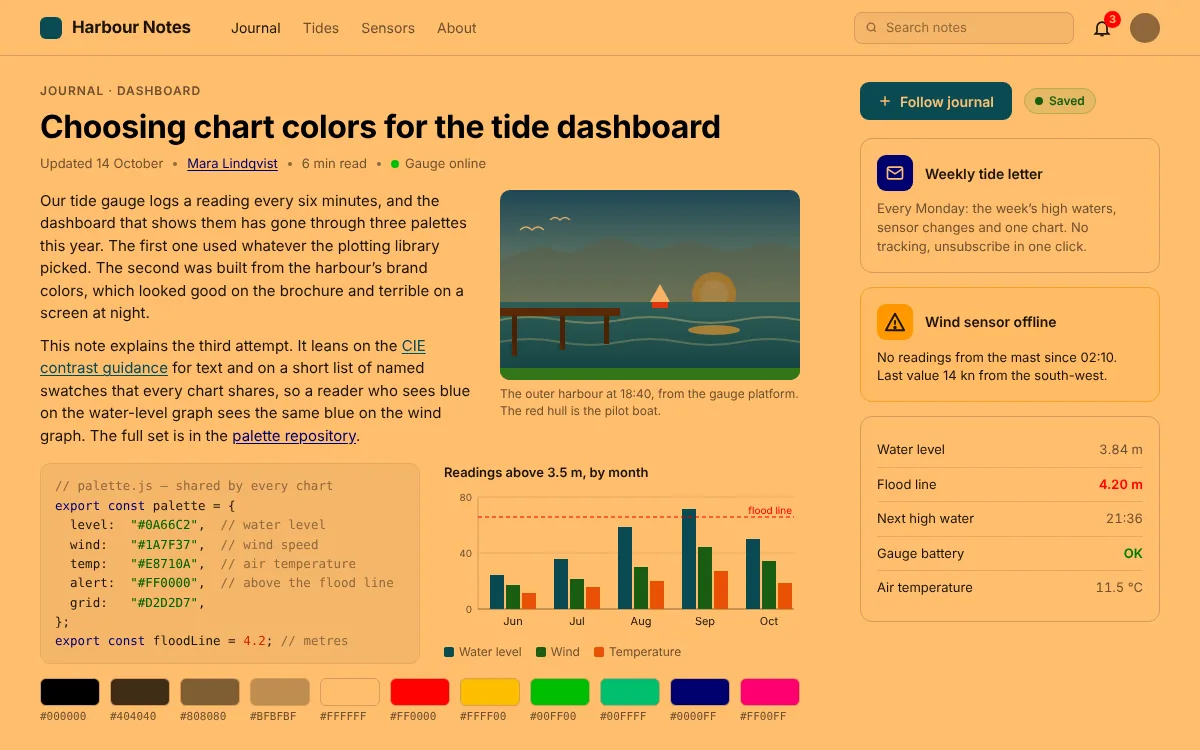
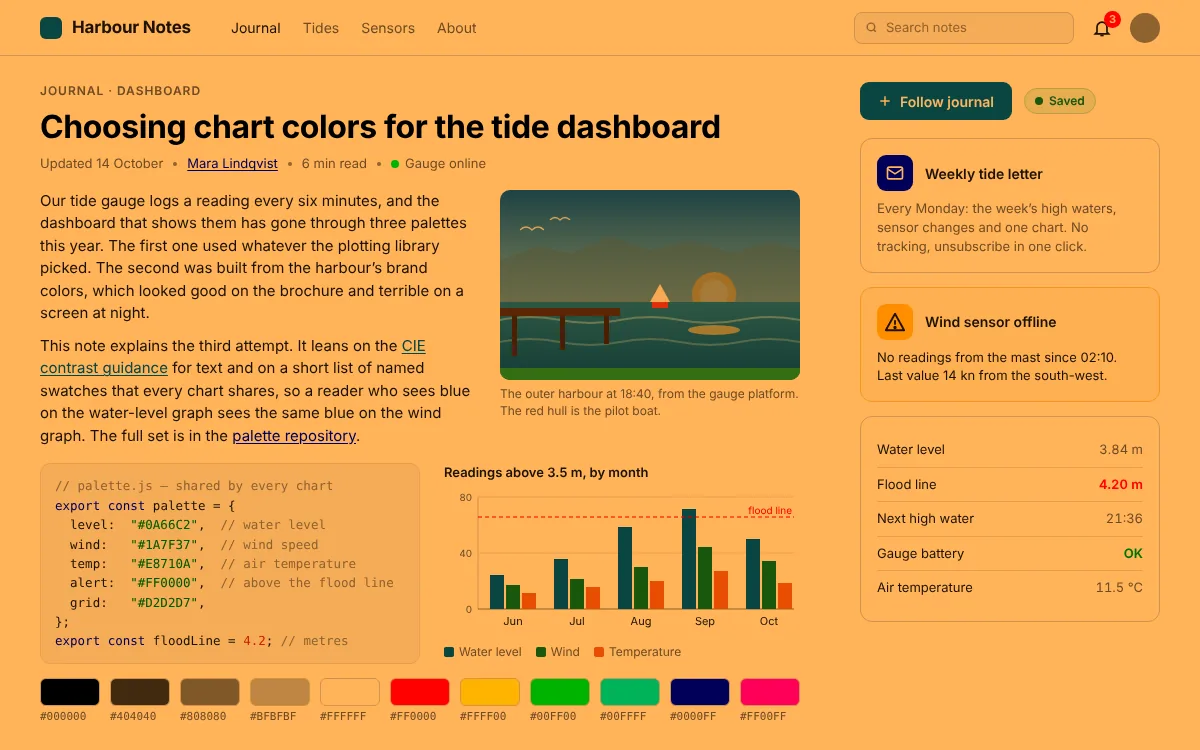
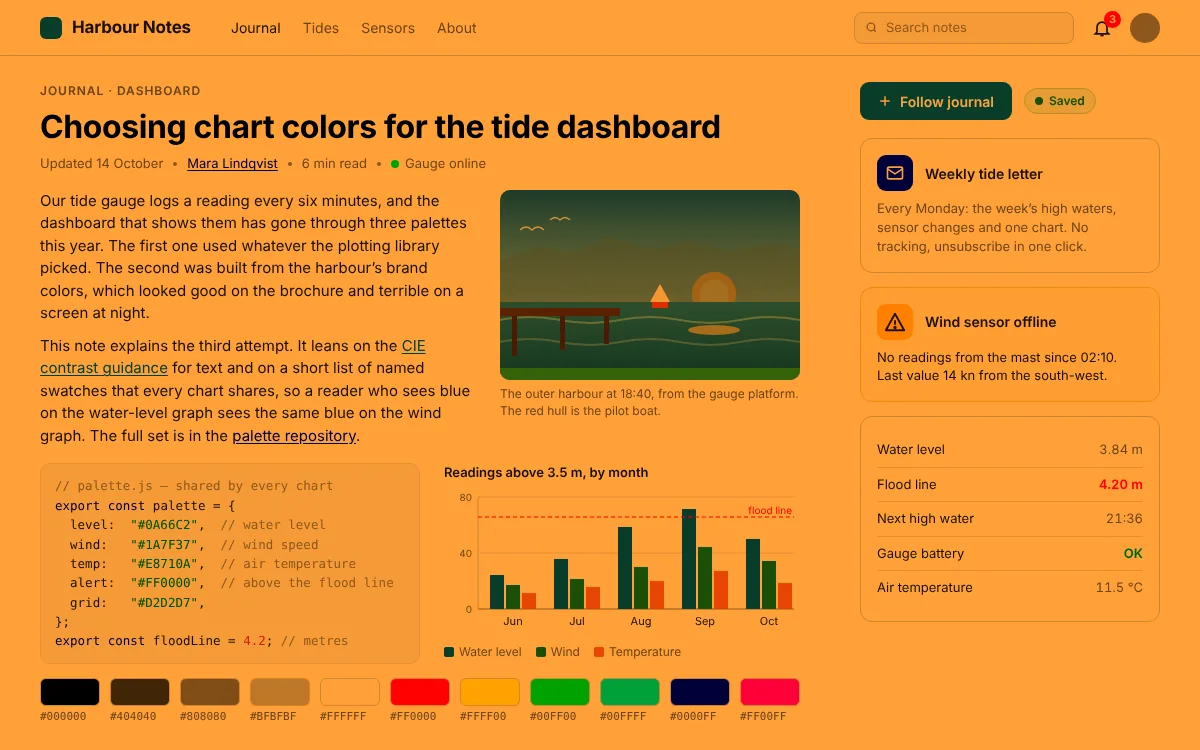
The evening, from 6500K to 500K
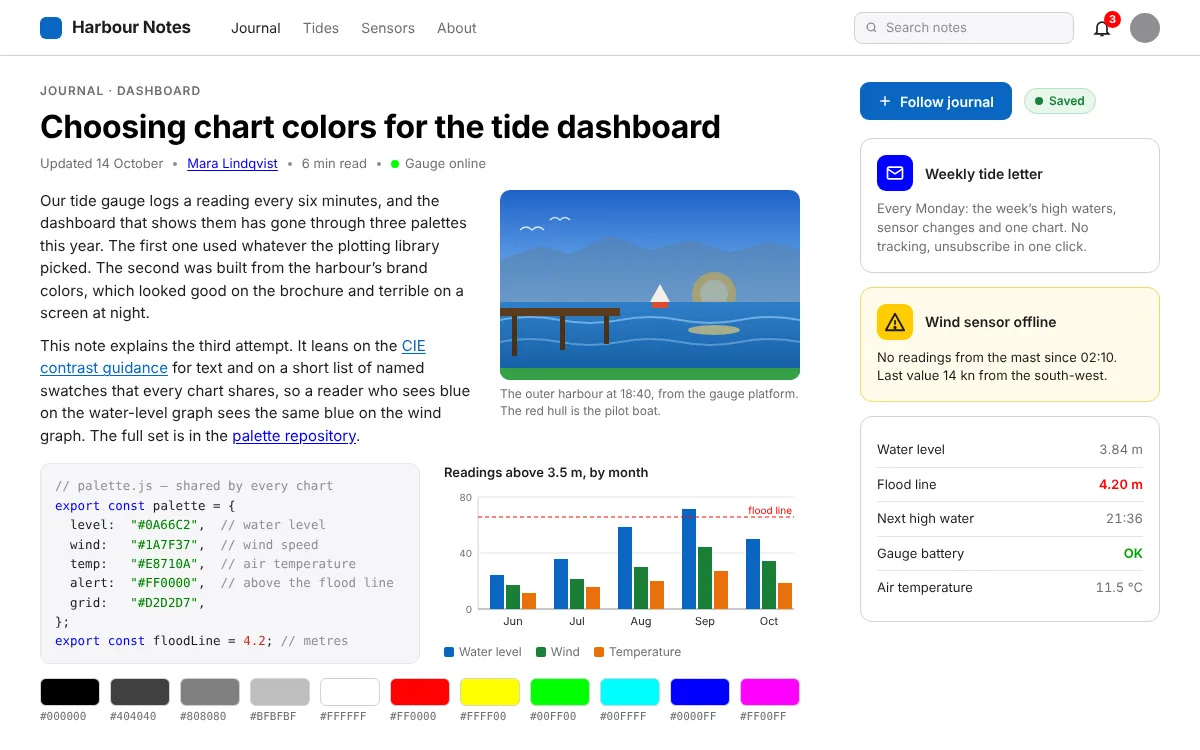
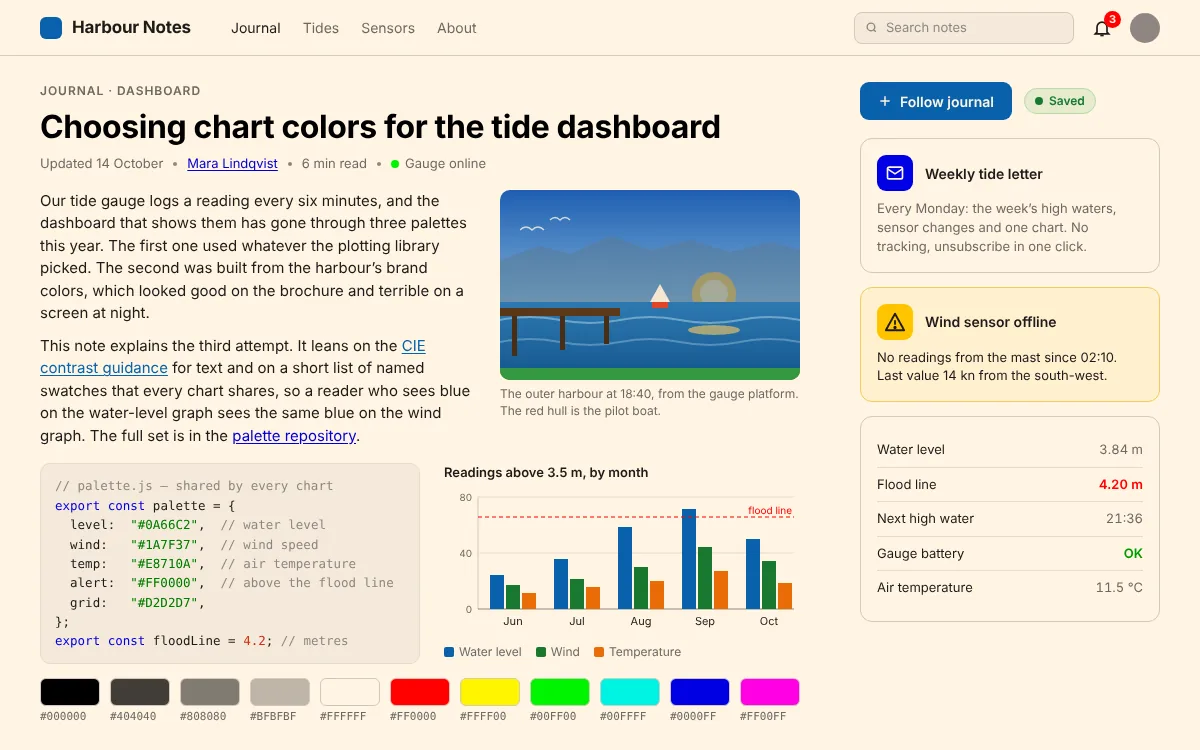
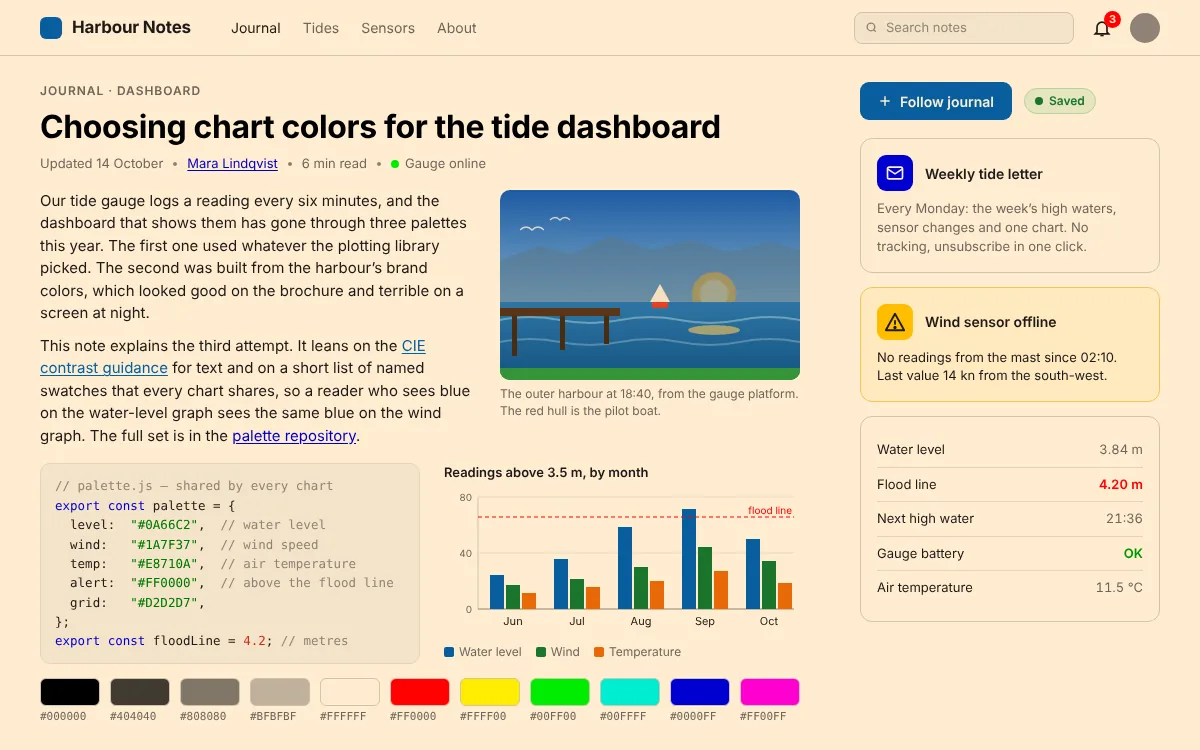
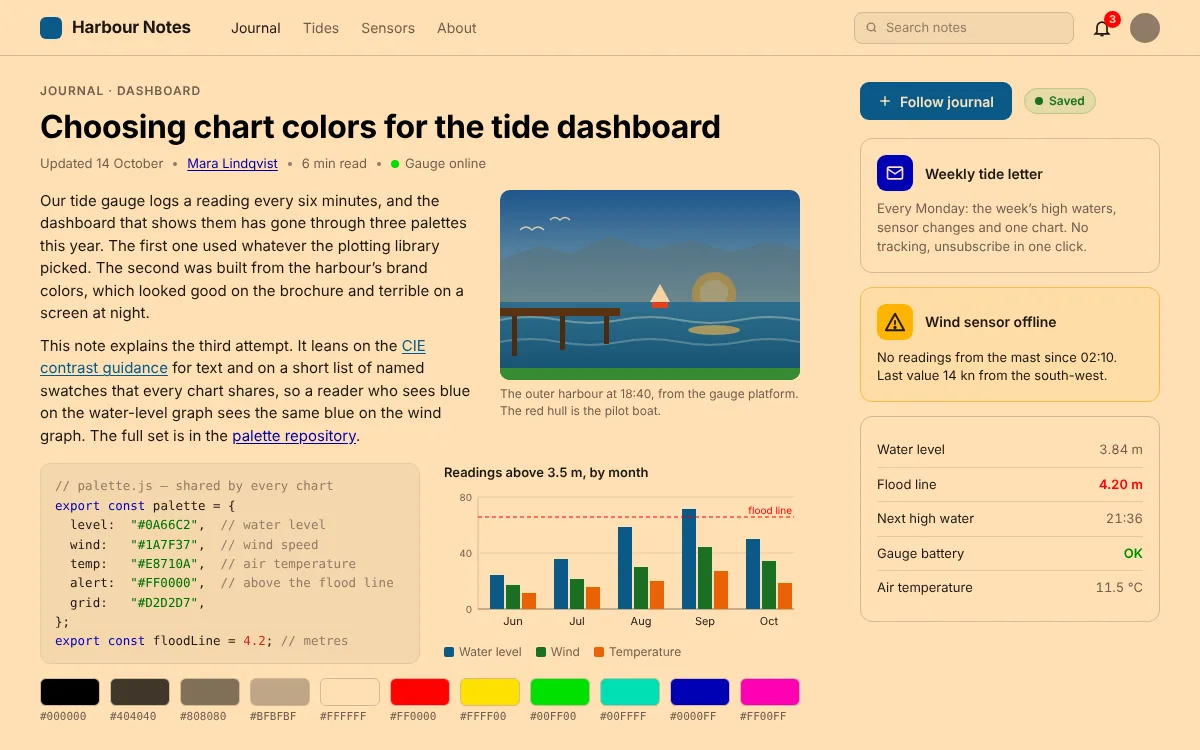
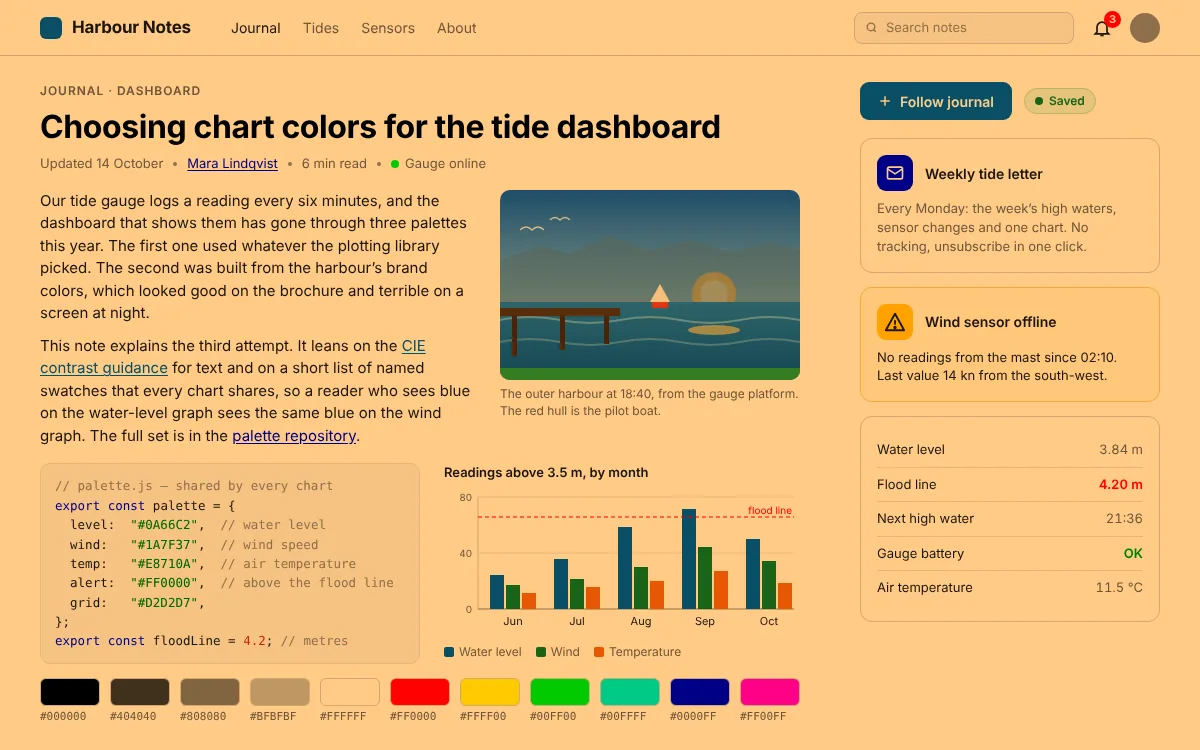
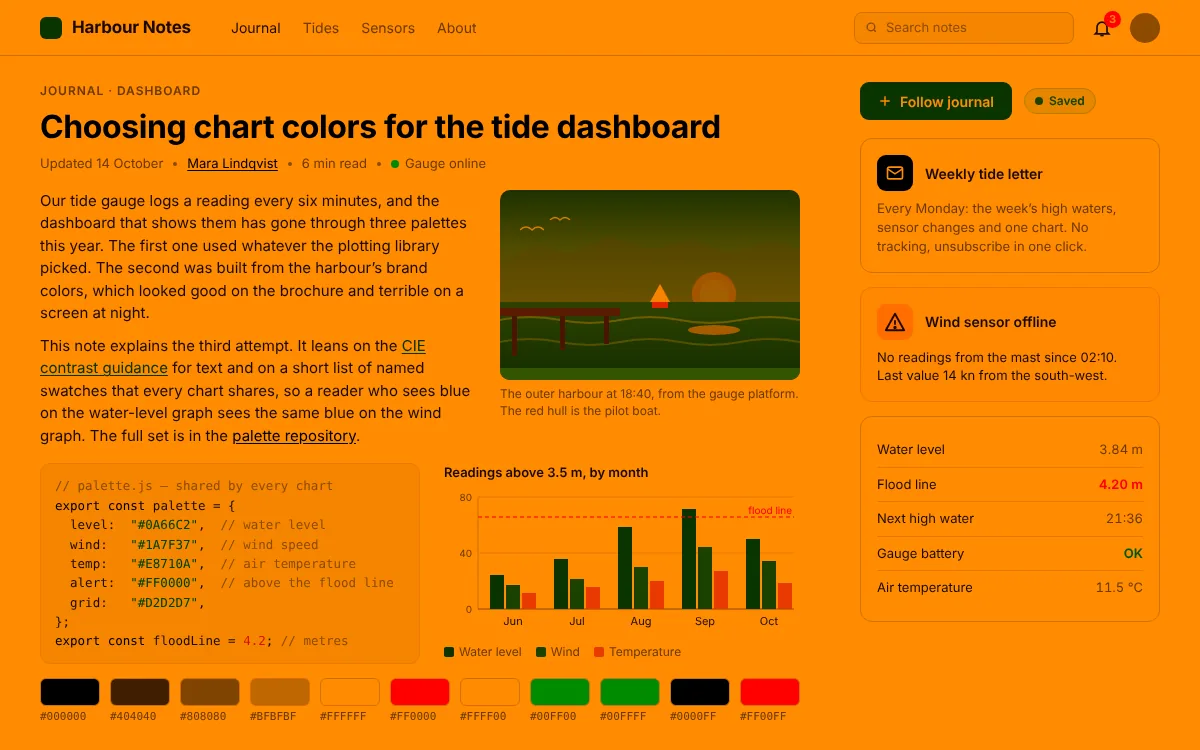
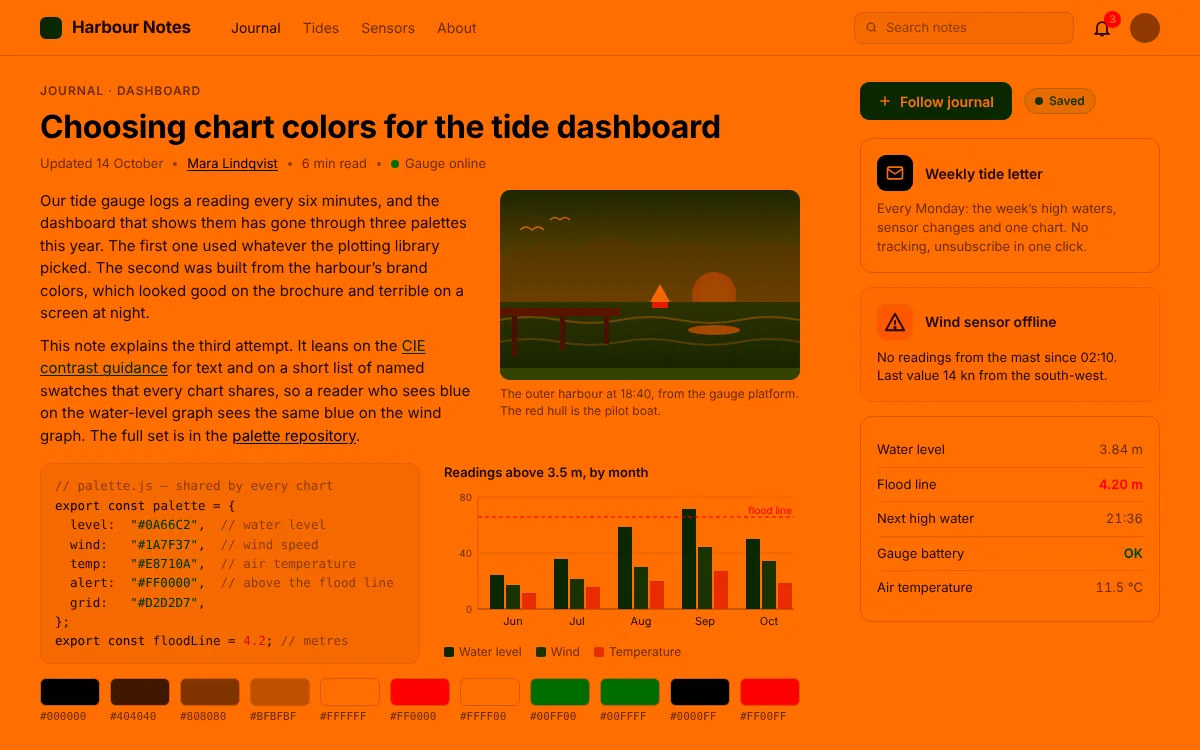
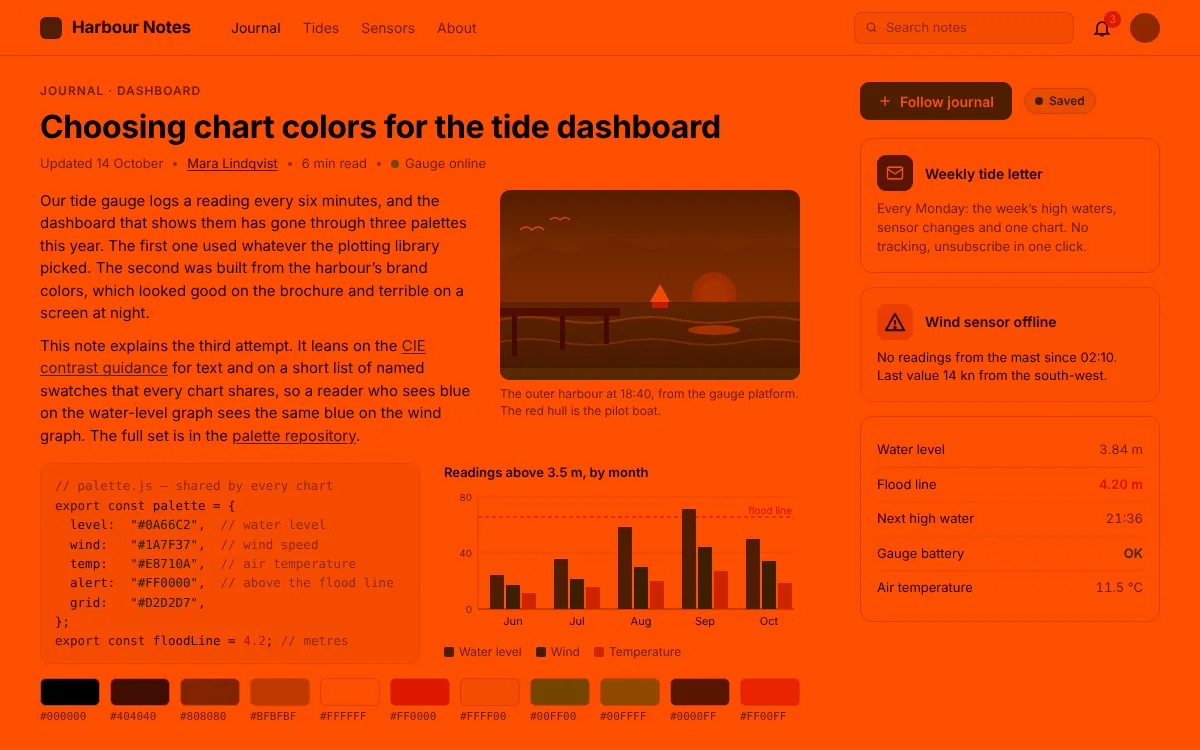
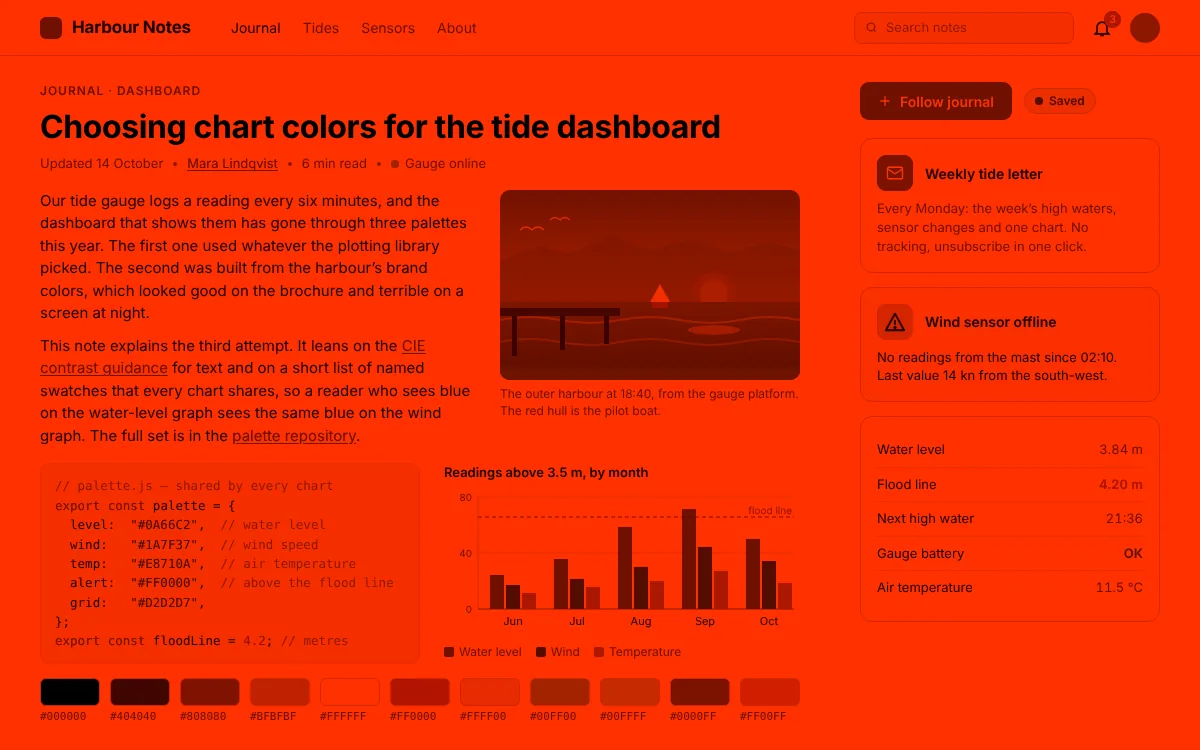

- 6500K Daylight Your screen as it ships: tuned for noon.
- 3400K Sunset At sunset Atapa starts on its own. No schedule to set.
- 1900K Candlelight An hour before bed it reaches its warmest and dimmest.
- 500K Deep red Pick Deep red and it goes all the way. You can still read every word.
Simulated with Atapa's own color math.
Readable red
Deep red that doesn't erase your screen.
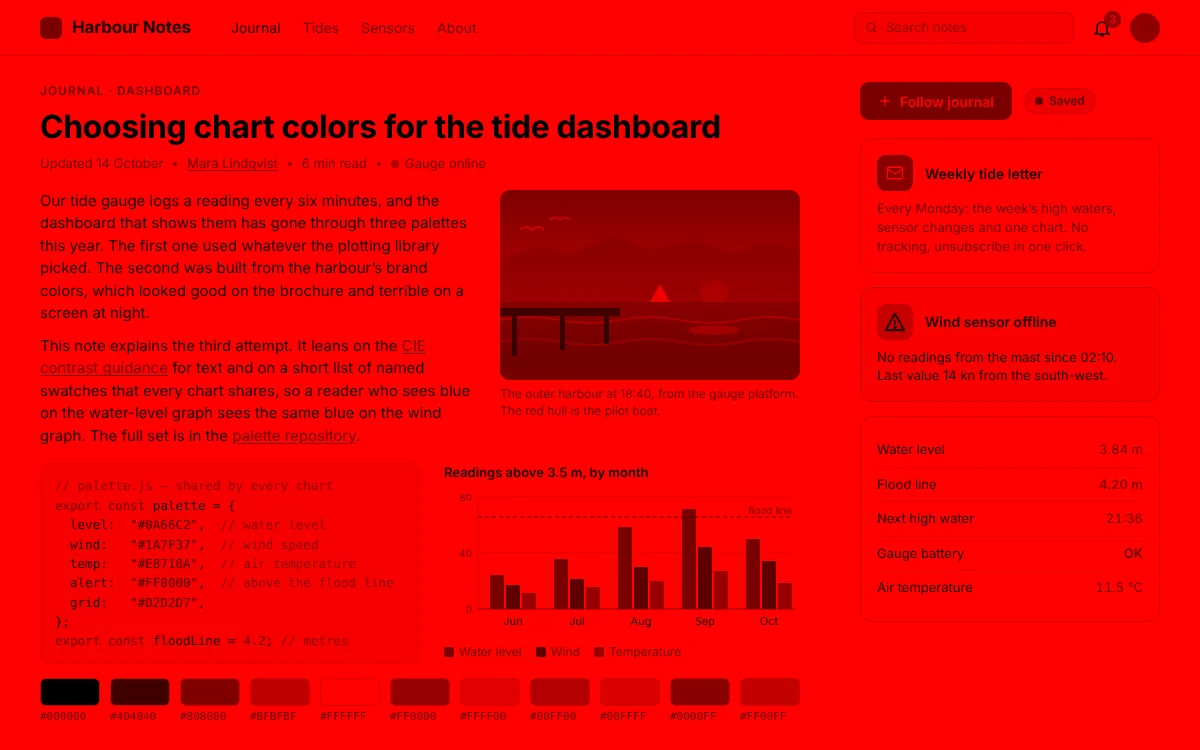
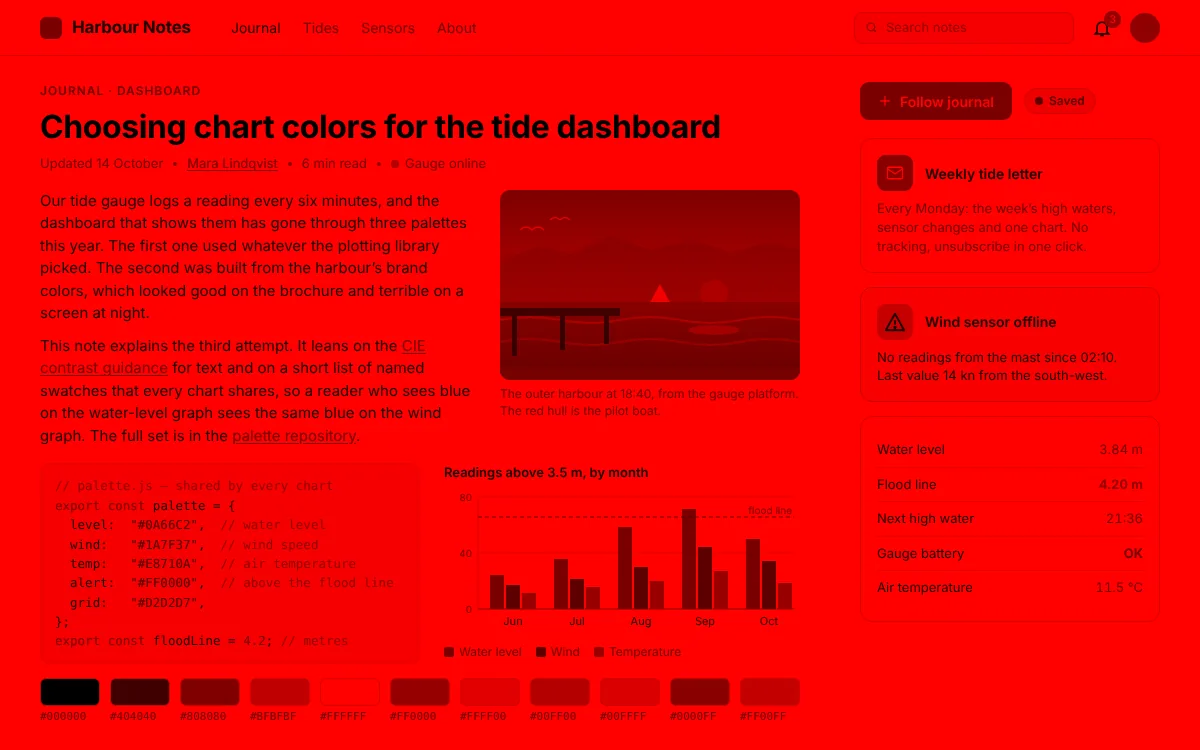
Most red filters switch off blue and green, so links, icons and highlights vanish. Atapa folds them into red instead. At 500K there is no blue light left, and every link is still there.

M5 Pro · M5 Max · tested 2026-10-29
On the newest MacBook Pros, gamma-table apps do nothing.
Since the M5 Pro and M5 Max, macOS accepts the colour table f.lux relies on and never shows it. Atapa tints in the display pipeline instead, so it works there, and on every other Apple silicon Mac.
| Date | App | What the panel did | Result |
|---|---|---|---|
| f.lux 42.2 | Says it is on. The panel does not change. | No change | |
| Sundown 1.6.4 | "Warming isn't available on this Mac yet." | Not available | |
| Night Shift | Mild orange at More Warm. Never red. | Works, mild | |
| Atapa 1.0 | 6500K to 500K, readable deep red. | Works |
Looked at with eyes, because screenshots cannot show the tint. Sources and the bug report are on the M5 page.


Your evening
One question, then it runs itself.
When do you usually go to bed? That is the setup. Atapa warms from sunset, is deepest an hour before bed, and is back to daylight when you wake.
Three intensities: Gentle 1900K · Warm 1200K · Deep red 500K. Default: Warm.

It knows where the sun is, so you don't have to.
Also
The rest, briefly.
-
Darker than your Mac's lowest brightness
In a dark room even the lowest step glares. Atapa dims below it, and the brightness keys can drive that dim.
-
Shortcuts, a Focus filter, a URL scheme, a CLI
Sleep Focus can switch on deep red. Hold ⌥⌘T for true color. All the actions →
-
A break for your eyes, if you want one
Every 20 minutes the screen eases down for 20 seconds. Any key ends it. Off until you turn it on.
-
Tonight's ring
An estimate of the body-clock light your screen gave off. At 2700K and 90% that is about 82% less. The math →
-
Always one shortcut from true color
⌃⌥⌘⌫ resets the screen at any time. If Atapa ever quits unexpectedly, a guard process resets it too.
-
Nothing leaves your Mac
No network code: no analytics, no update pings, no account. Your licence is checked on your Mac.

From the maker
Why Atapa exists
“I bought an M5 Pro MacBook and f.lux stopped working. Sundown told me warming wasn't available on this Mac, and Night Shift wasn't warm enough, so I built Atapa. I use it every night.”
Kevin Hofmann · maker of Atapa · Soulrise LLC
Tonight
Let your screen set with the sun.
$12
once · all your own Macs
- Free updates for Atapa 1
- 14-day free trial, no card
- It never stops working
- 14-day refund, no questions
- Email support from the maker
| App | Works on M5 Pro? | Goes to deep red? | Price |
|---|---|---|---|
| f.lux | No. The panel did not change | No. About 1200K at most | Free |
| Night Shift | Yes, a mild orange | No | Built into macOS |
| Sundown | Not yet, by its own notice | 500K, its own claim | $79 lifetime or $39 a year |
| Atapa | Yes, 6500K to 500K | Yes, 500K and still readable | $12 once |
Questions
Does Atapa work on M5 Pro and M5 Max MacBook Pros?
Yes. Atapa tints in the display pipeline, not through a gamma table, so it works on the M5 Pro and M5 Max built-in panels where macOS accepts a gamma table and never shows it. We tested it on a 14-inch M5 Pro running macOS 27.2 on 29 October 2026, from 6500K down to 500K. It runs on every other Apple silicon Mac too.
Why doesn't f.lux work on my new MacBook Pro?
f.lux warms the screen through a gamma table. Since the M5 Pro and M5 Max, macOS accepts that table, reports success and never applies it, so f.lux says it is on while the panel stays unchanged. We saw it with f.lux 42.2 on 29 October 2026. The bug report, the details and the sources are on our M5 page.
Is Atapa better than Night Shift?
Night Shift is built in, free and still works on M5 Macs, so start there. Its warmest step is a mild orange; Apple publishes no kelvin value, and independent measurements put it around 2700 to 3000K. Atapa goes on to 1900K, 1200K and 500K deep red with the text still readable, dims below the lowest brightness step, and follows one bedtime question. If mild is enough, keep Night Shift.
Will it help me sleep?
We don't promise that. Atapa lowers the light that affects your body clock: the evening ring estimates how much less melanopic light your screen gave off compared with an untouched screen, and the science page shows the math. Sleep depends on far more than a screen. What you get is a warmer, dimmer screen in the evening and a number you can check.
Does Atapa collect any data?
No. Atapa has no network code: no analytics, no crash reports, no update check, no account. The licence key is verified on your Mac. Location is optional, used once on your Mac to find your sunset, and never sent anywhere. Watch it with Little Snitch or LuLu if you like: it never connects. This website uses Cloudflare Web Analytics; the app does not.
What happens when the trial ends?
It never stops working. After 14 days a banner asks for a key; from day 29 warmth stops at 2700K until you enter one. Deep red needs a licence. Dimming, the evening curve and Shortcuts keep working.